
Summary
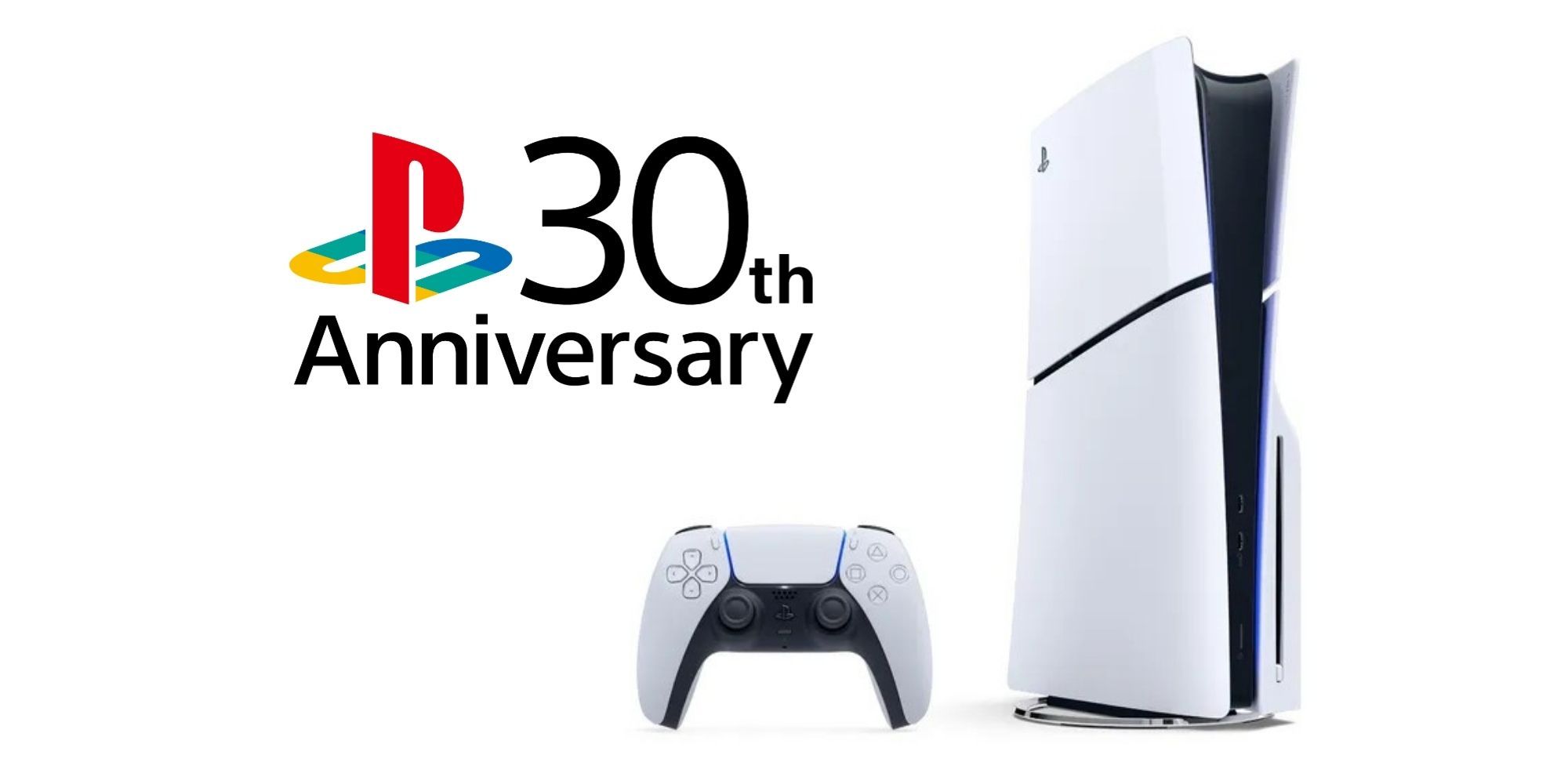
- PlayStation is bringing back classic themes for PS5 from their 30th anniversary.
- New Audio Focus feature allows for precise sound control to enhance gaming immersion.
- Audio Focus allows for Left/Right sound control, as well as several presets.
They’re back and here to stay!
PlayStation has listened to community feedback and is set to reintroduce a number of classic themes for the PS5, in addition to improved “audio focus” settings to fine-tune your sound profile, in the next phase of updates starting tomorrow.
The updates were just announced in a PlayStation Blog post from the VP of Product Management, Shuzo Kikuchi.
Related
Former PlayStation Boss Thinks Platform Wars Are Over
Shawn Layden jokes only a dog can tell the difference between console devices.
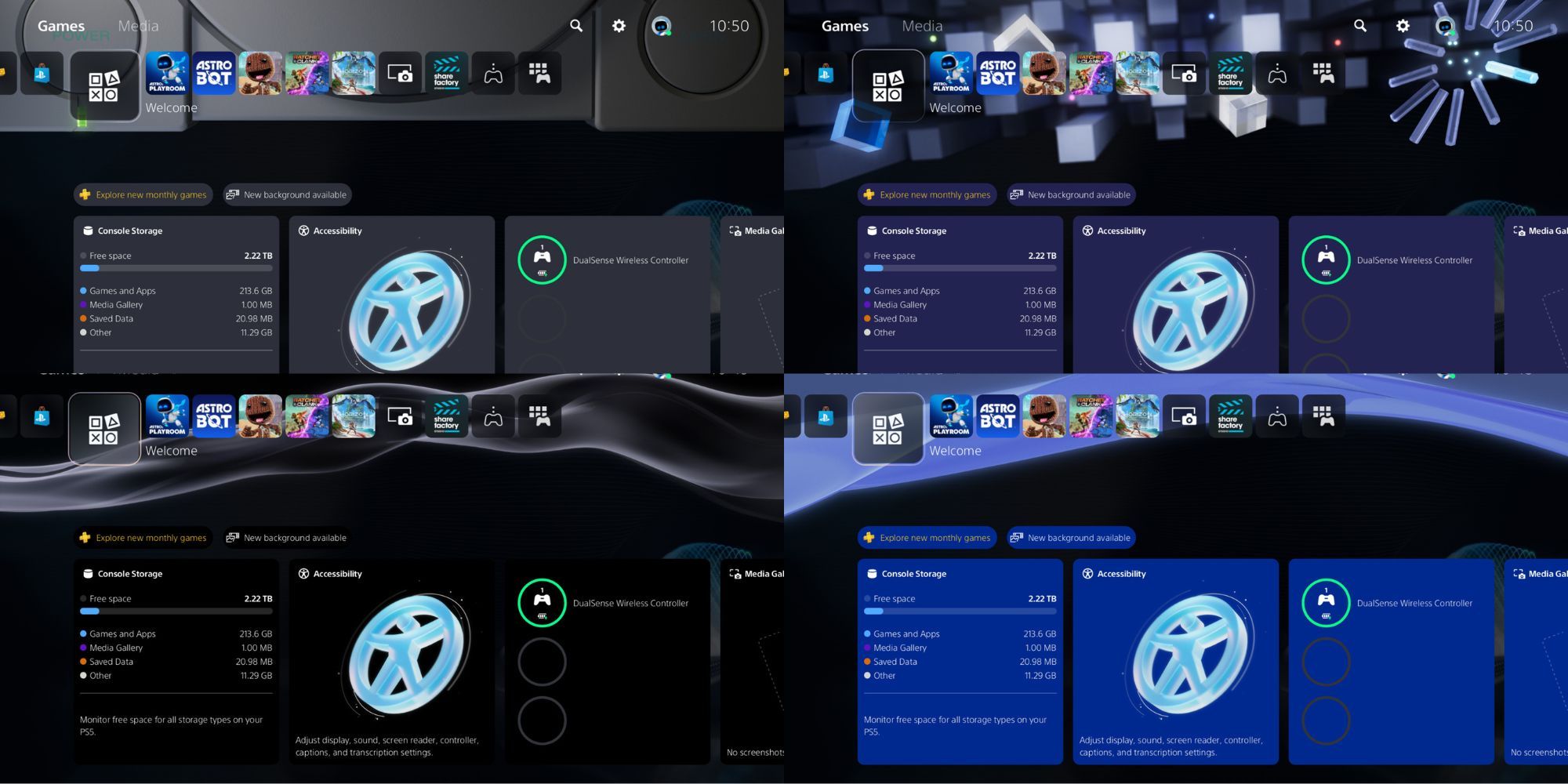
The throwback PS5 themes from PlayStation’s 30th anniversary will soon be available as a permanent “appearance” setting, allowing you to represent your generation of consoles whenever you like.
Not only do the themes include the iconic visuals of their respective consoles, but they also modify the sound effects on the home screen that hit you right in the feels.
The new “appearance” tab can be found under the system settings and includes the following styles to choose from:
- PlayStation
- PlayStation 2
- PlayStation 3
- PlayStation 4
On top of that, if you’ve had trouble finding the right headset settings, the new Audio Focus feature offers more precise sound control to enhance your gaming immersion.
Watch the demonstration video below:
How to use Audio Focus?

To enable audio focus, go to [Settings] > [Sound] > [Volume] > [Audio Focus].
The following presets are available to pick from, with three separate levels for each preset available to suit your preference (Weak, Medium, and Strong).
- Boost Low Pitch: Amplify low-frequency sounds like roaring engines and rumbling noises.
- Boost Voices: Amplify voice chats, character voices, and other middle-frequency sounds.
- Boost High Pitch: Amplify high-frequency sounds like footsteps and metallic noises.
- Boost Quiet Sounds: Amplify low-volume sounds in a wide range of frequencies.
Left/Right channel adjustments are also included in the same menu, though keep in mind these settings are strictly for headphones connected via USB or analog jack and do not affect TV speakers or soundbars.
These updates are a pleasant surprise from PlayStation since more personalization options are always welcome; Whether it’s nostalgic UI themes or audio enhancements, the PS5 needs more of it.
This is on top of the recent wave of themes added to the PS5’s Welcome Hub, including animated wallpapers featuring Ghost of Yotei, Demon’s Souls, God of War, and more.

Some fans are still holding out hope for the return of PS4 themes on the PS5. However, due to the PS5’s unique UI design, it seems unlikely. Porting hundreds of legacy themes for the new system may require more effort than it’s worth, and it seems that PlayStation is content with keeping the wallpapers tied to the Welcome Hub for now.
While we’re not quite at the levels of personalization as previous console generations, these updates are a solid step forward, and it’s promising to see Sony continue to drop personalization updates, no matter how small.
Perhaps after the community’s renewed interest in themes, we might just see even more unique “appearance” options roll out in the future.

Next
Ghost of Yotei Rides Out On October 2
Three different editions will be available: Standard, Digital Deluxe and Collector’s.